Set up the essentials
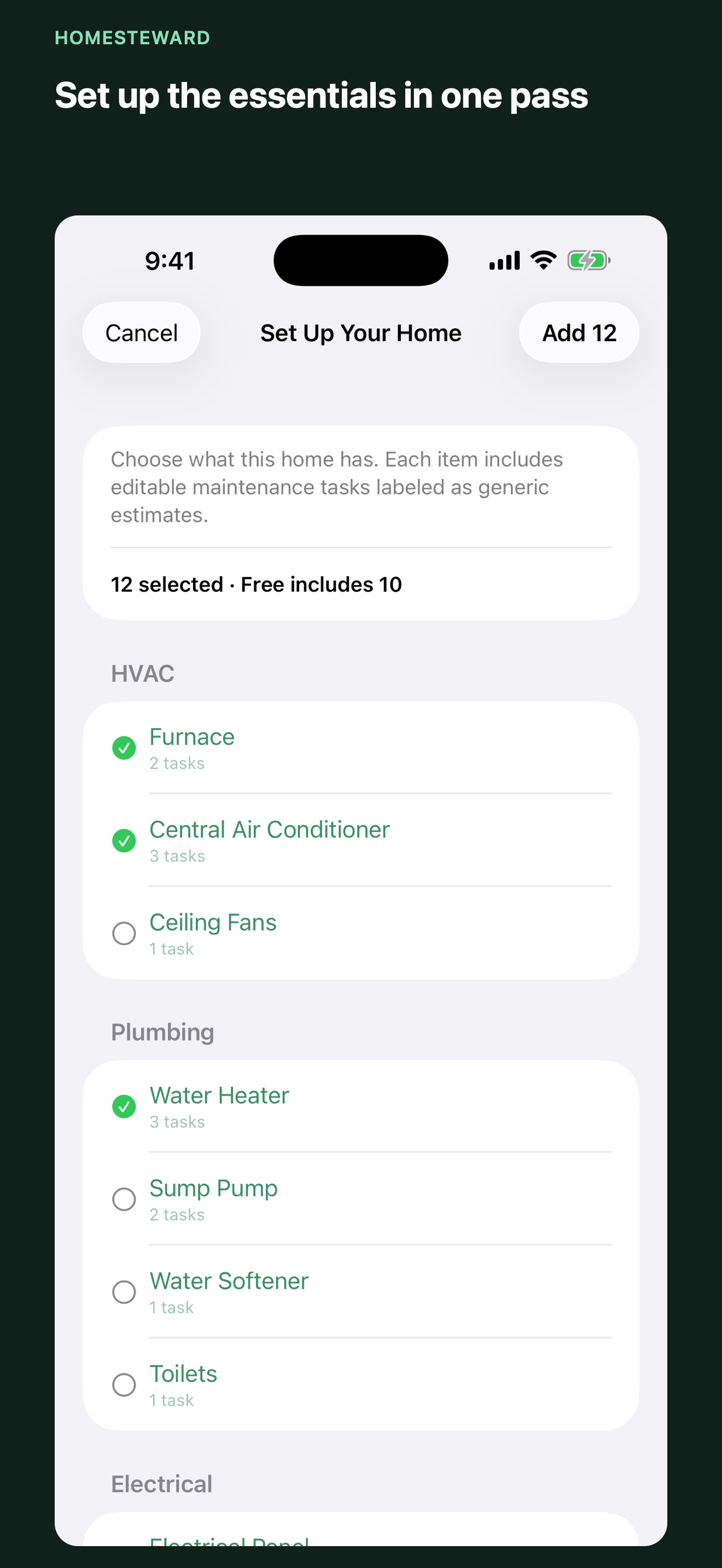
Choose common appliances and systems from a guided library. Free users can build a complete ten-item plan in one session and edit every estimate.
A calmer way to care for your home
Turn appliances and home systems into a clear maintenance plan, then keep service records, warranties, receipts, and manuals close when you need them.
Next up at Maple House
GENERIC Starter estimates stay labeled and editable.
Your home records stay on this iPhone by default. HomeSteward has no account, advertising, analytics SDK, tracking SDK, or custom data server.
From scattered details to a useful plan
HomeSteward makes routine care visible without pretending a generic suggestion came from your appliance manufacturer.
Choose common appliances and systems from a guided library. Free users can build a complete ten-item plan in one session and edit every estimate.
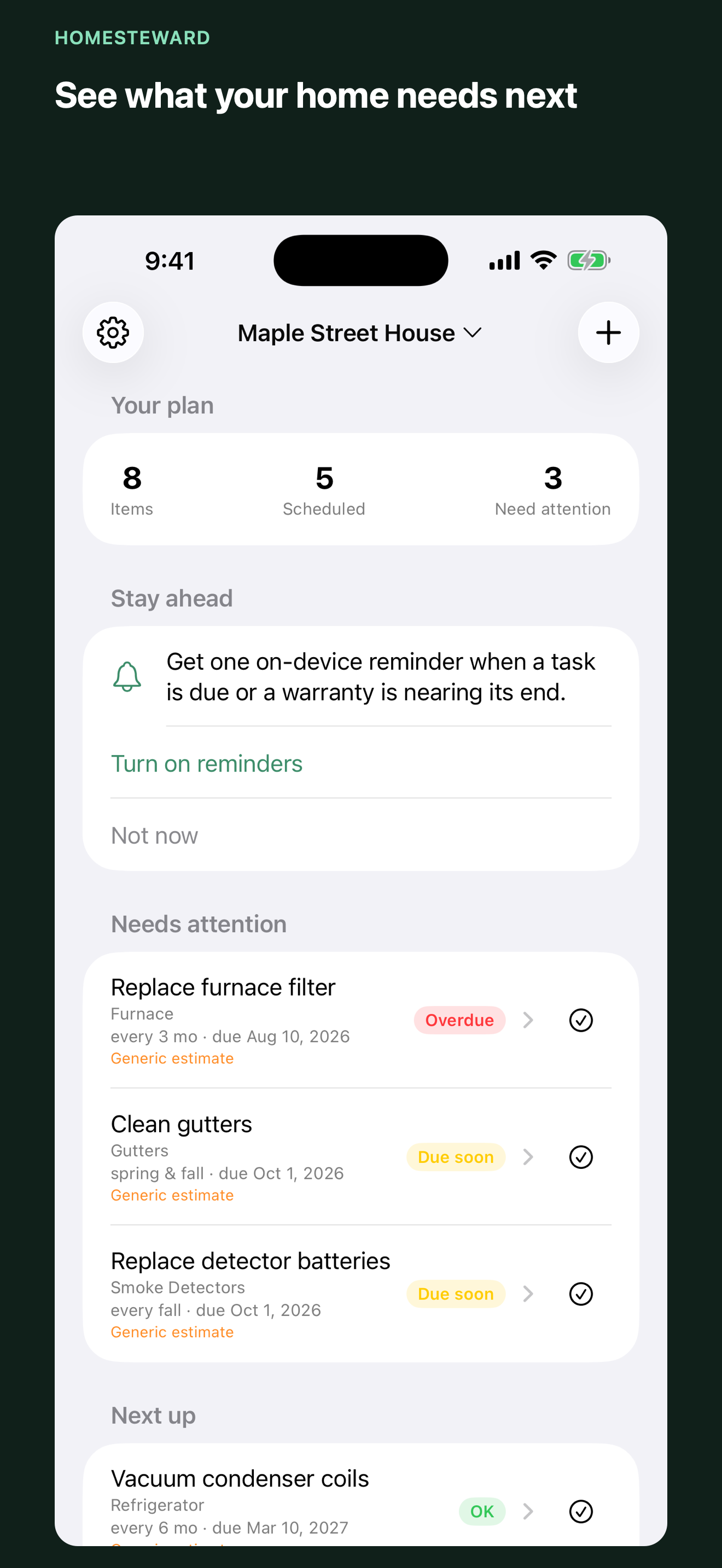
Overdue, due-now, and upcoming work stays visible. Mark Done writes a real history entry and schedules the next occurrence.
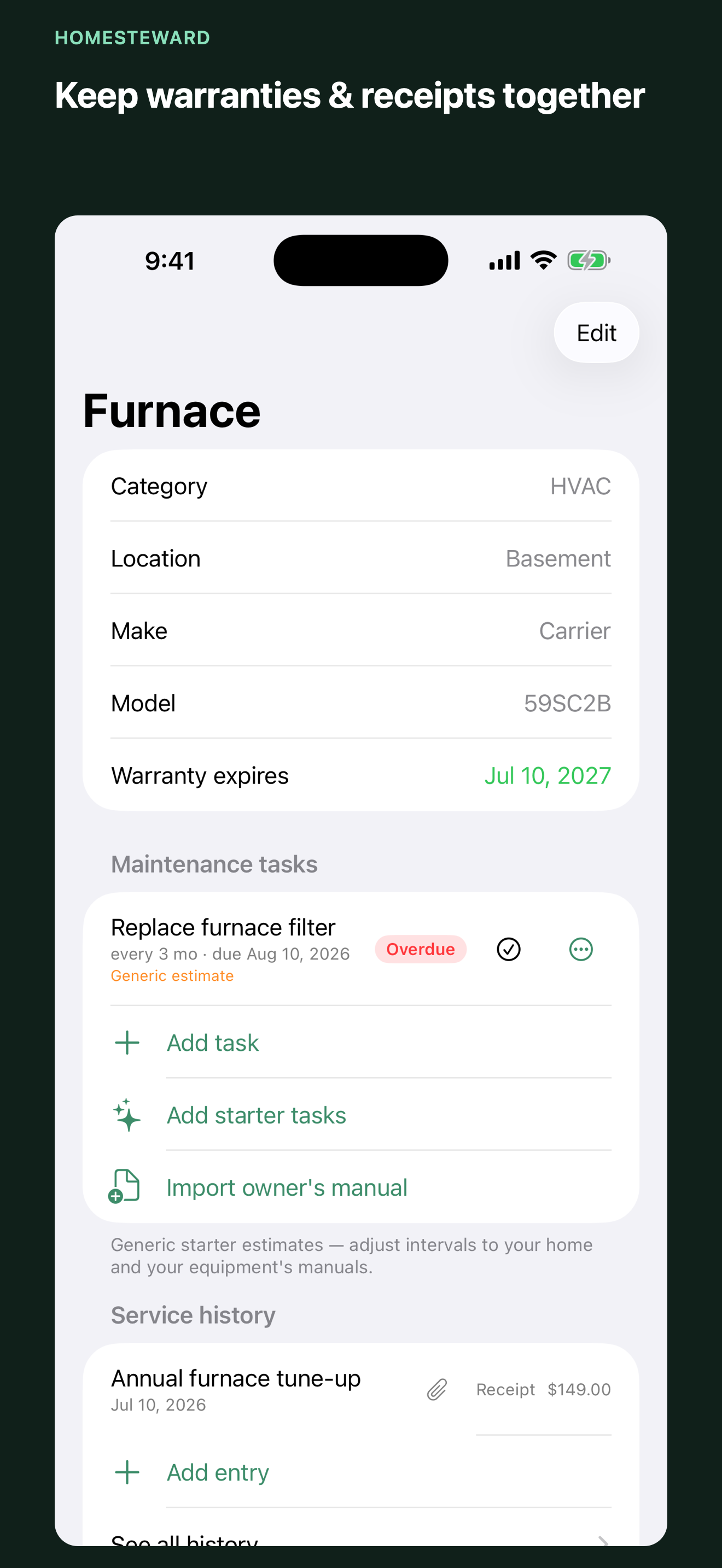
Track make, model, serial, room, installation and warranty dates, service history, and—when unlocked—photos, receipts, and manual PDFs.
Task and warranty reminders are local. HomeSteward explains why they help and asks for notification permission only after you opt in.
Inside HomeSteward
Useful before you buy
There is no countdown trial. Build a real plan, complete tasks, and keep your history before deciding whether the advanced record tools fit your home.
HomeSteward Free
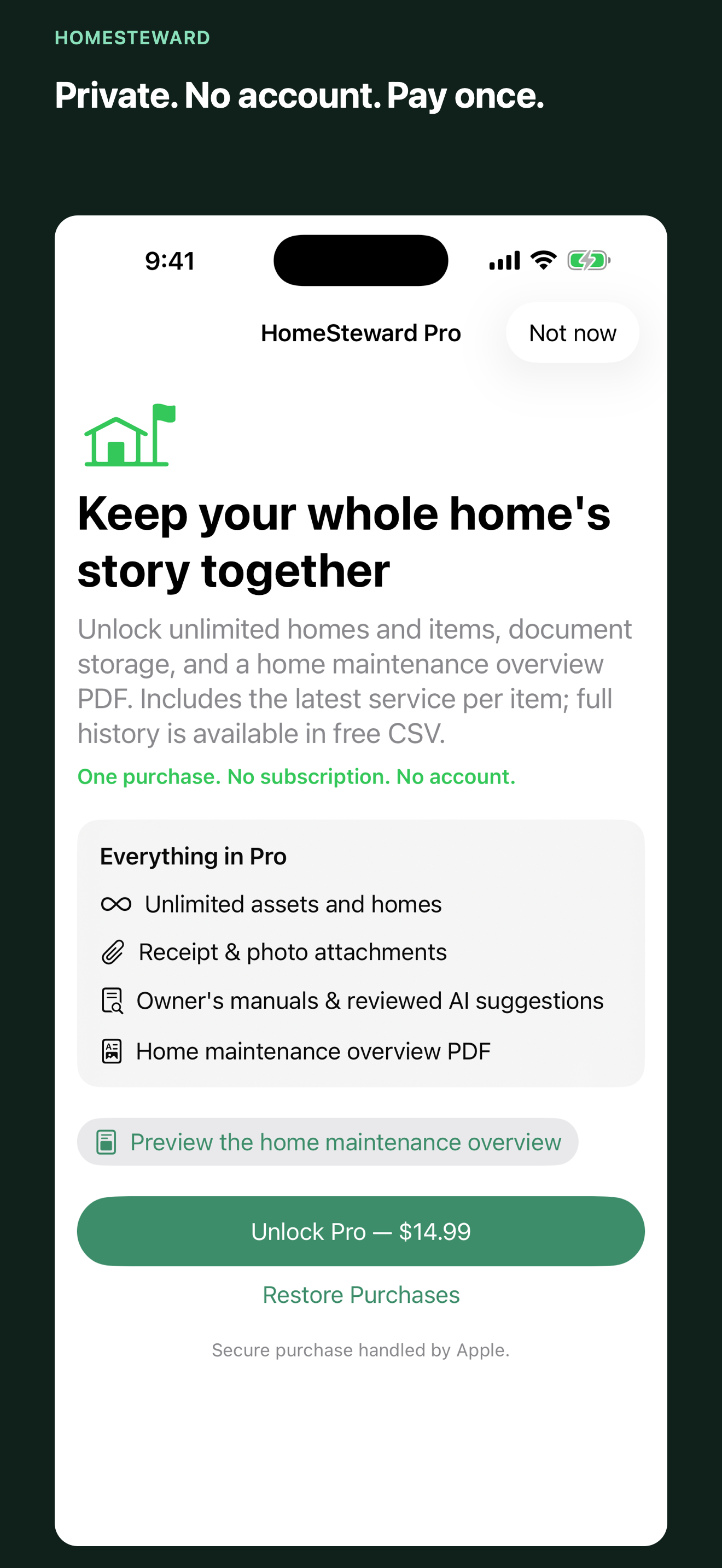
HomeSteward Pro
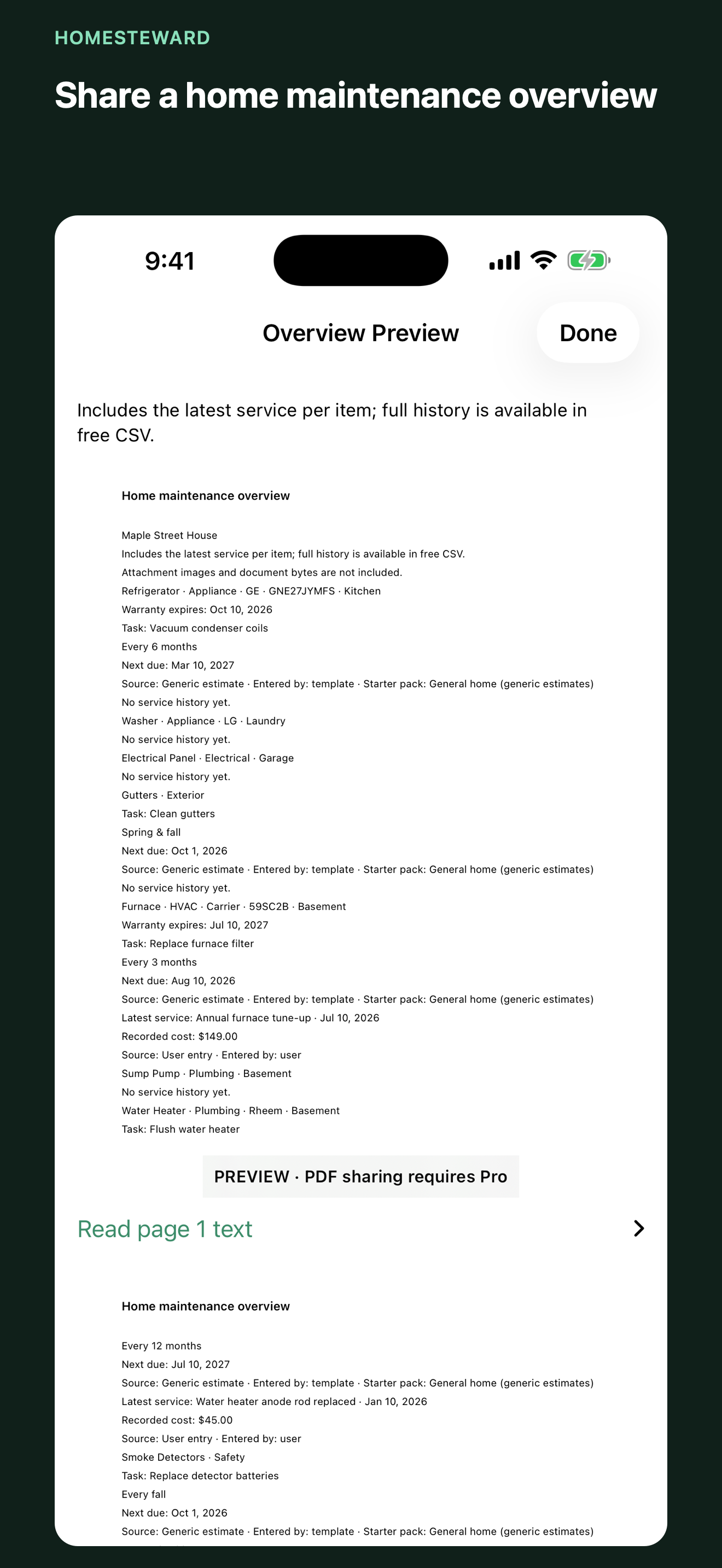
Includes the latest service per item; full history is available in free CSV.
Your App Store shows the current price before purchase. Existing records remain readable and editable if Pro is unavailable.
Local-first and source-honest
HomeSteward has no sign-up and no developer-operated data server. Generic intervals are labeled as estimates, and manual or optional AI-assisted suggestions wait for your review before saving.
Core records work offline. iCloud sync and automatic appliance identification or manual lookup are not currently included. Raw CSV files contain their listed fields but exclude photo/PDF bytes and settings, so they are portable copies—not full backups.
Read the privacy policyChoosing a home inventory app
See how HomeSteward’s no-account approach differs from two broader home-management products—and where it may not be the right fit.
Questions, answered
No. The optional Pro upgrade is a one-time in-app purchase. Apple shows its current localized price before you buy.
You can manage one home with up to ten items, use tasks and service history, import any number of existing items for free (adding new items manually requires Pro once the home has ten items), export raw item/task/history CSV files, and use reminders, widgets, and Siri Shortcuts.
Not unless you enter or review information from a manufacturer document yourself. Common-item intervals are editable generic estimates and remain visibly labeled.
Not currently. Records stay on this device. Free raw CSV copies help you keep portable tabular data, but they do not include photos, manuals, or app settings.
No. HomeSteward lets you attach nameplate photos with Pro, but it does not currently offer automatic item identification or automatic manual lookup.
Maintain your vehicles, too
GarageKeeper tracks vehicle maintenance, mileage, service history, receipts, parts, fluids, and source-labeled guidance without an account.
Start with one home